7 Best Desktop Label Printers For Filing Systems
Organize files perfectly with the 7 best desktop label printers. Find your ideal model and conquer clutter today!
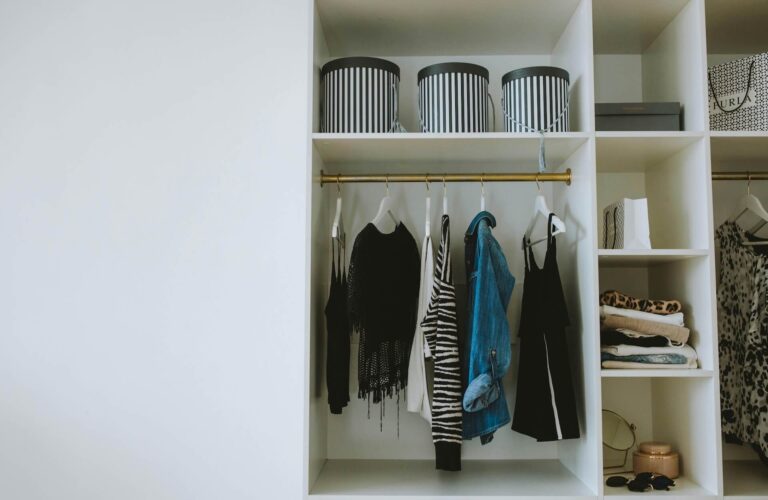
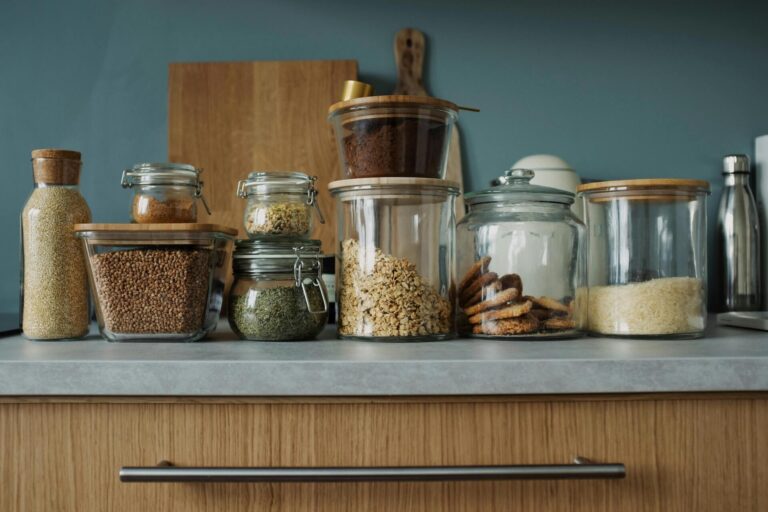
A junk drawer overflowing with mystery cords or a pantry where half the spice jars lack lids is a recipe for daily frustration. Establishing a consistent filing and labeling system transforms a chaotic home environment into one that actually supports a busy routine. Selecting the right label printer ensures that those organizational efforts remain functional and legible for years to come.
Brother P-touch PT-D210: For Quick & Simple Jobs
When the goal is labeling school supplies, kids’ toy bins, or basic pantry canisters, a complex device often hinders the task. This unit excels because it features a dedicated “QWERTY” keyboard layout, making it feel intuitive to anyone who has ever typed on a computer. It is lightweight, compact, and runs on batteries, allowing for portability from the basement storage room to the upstairs linen closet.
The primary trade-off is screen size; the small display shows only a sliver of the text, which can make reviewing long labels slightly tedious. However, for short, punchy identifiers like “Batteries” or “Spare Keys,” it is hard to beat for efficiency.
Bottom line: Choose this if simple, grab-and-go labeling is the priority over advanced customization.
DYMO LabelWriter 450: For High-Volume Batches
If the home office involves managing a small business or frequent shipping of packages, manually typing each label becomes a significant bottleneck. This thermal printer connects directly to a computer, utilizing software to print batches of labels in seconds. Because it uses heat-sensitive paper rather than ink or toner, there is never a need to replace expensive cartridges.
Keep in mind that this machine requires a permanent connection to a computer to function effectively. It is not designed for walk-around use in the pantry, but rather as a stationary tool for a desk or workstation.
Bottom line: This is a high-performance choice for those who need to print dozens of labels at once rather than one at a time.
Brother P-touch Cube Plus: For Phone & Tablet Use
Modern households often prefer using the devices they already carry to handle organizational tasks. This printer connects via Bluetooth, allowing for the use of a smartphone app to design labels with custom fonts, frames, and even small icons. It creates a sleek, minimalist aesthetic that appeals to those who want their home organization to look tidy and intentional.
The reliance on a mobile app means the printer is only as good as the software interface. While it offers more design flexibility than standalone units, it can be slightly less convenient if the user prefers physical buttons and immediate, tactile feedback.
Bottom line: Ideal for tech-savvy organizers who want professional-looking, highly customizable labels from the comfort of a sofa.
DYMO LabelManager 160: Best on a Tight Budget
Organization does not have to be an expensive endeavor, and this model proves that a basic, reliable tool can get the job done. It provides a simple, direct interface that removes the “feature creep” found in more expensive models. The screen is clear, and the buttons are spaced well enough to prevent frequent typing errors.
Because it is a budget-focused device, it lacks advanced memory features or deep customization options. It serves a utilitarian purpose perfectly, though it won’t produce elaborate graphic designs or multi-line labels with ease.
Bottom line: A solid, no-nonsense workhorse for anyone who needs to label files and containers without spending a premium.
Brother P-touch PT-D400AD: The Versatile Choice
Large households often require labels that vary in size, from tiny tags for craft supplies to bold labels for large plastic storage totes. This printer offers a wider range of tape widths and font sizes than entry-level models, providing the flexibility to handle almost any labeling project in the house. The included AC adapter is a major plus, as it prevents the need for constant battery replacements during large home-purging sessions.
While it is bulkier than the smaller handheld models, its added weight contributes to a sturdier feel on a workbench or desk. It represents a middle ground where functionality meets durability for the long-term organizer.
Bottom line: The best “middle-of-the-road” option that balances features, power, and long-term utility.
Epson LabelWorks LW-PX300: For Tougher Labels
Sometimes labels need to survive more than just a dry shelf; they need to endure the damp conditions of a garage, a basement, or a freezer. This printer is built with a rugged, portable design that handles industrial-strength tapes better than most consumer-grade machines. It is specifically designed for the homeowner who needs labels that won’t peel or fade when exposed to moisture or extreme temperatures.
The downside is that the specialized tape refills can be slightly more expensive and harder to find at local big-box stores compared to universal Brother or Dymo brands. However, for high-stakes labeling—like marking outdoor gear or basement storage—the durability is worth the extra cost.
Bottom line: Choose this when you need labels that can withstand the elements, not just indoor organization.
Brother QL-800: For Fast, Professional Results
When the household involves a home office that handles a high volume of mailing or professional labeling, speed becomes a critical factor. This unit prints labels nearly instantaneously and offers a unique feature: it can print in both black and red, which is incredibly useful for highlighting “Fragile” warnings or priority file folders. It is a desktop powerhouse that makes standard label makers feel sluggish.
Because of its speed and capabilities, it requires a significant amount of desk real estate. This is not a printer to be tucked away in a junk drawer; it is a dedicated piece of equipment for a functional workspace.
Bottom line: A professional-grade tool that makes high-volume, urgent labeling feel like a breeze.
Thermal vs. Tape Printers: Which Is Right for You?
Understanding the underlying technology helps prevent frustration after the purchase. Tape printers (like the P-touch or LabelManager series) use plastic adhesive cartridges, which are perfect for everything from spice jars to file tabs. They are durable, water-resistant, and work on almost any surface.
Thermal printers (like the LabelWriter or QL series) use heat-sensitive paper labels, which are often larger and meant for flat surfaces like shipping boxes or folders. They are faster and cheaper per label, but the labels are generally not as resilient or aesthetically versatile as the plastic tape variety.
Bottom line: Use tape printers for long-term storage and item identification; use thermal printers for high-volume, temporary, or logistical labeling.
Understanding the Ongoing Cost of Label Refills
The initial cost of a label printer is often just the “entry fee,” as the recurring cost lies in the refills. Proprietary tape cartridges can add up quickly, especially when labels are used liberally throughout the home. Before committing to a specific brand, check the price and availability of third-party compatible tapes, which are often available for Brother and Dymo machines at a fraction of the cost.
Bottom line: Always compare the price per inch of tape across models before buying to avoid a long-term budget surprise.
Tips for Making Your Labels Easy to Read & Last
Placement is just as important as the quality of the label itself. For plastic containers, wipe the surface with rubbing alcohol before applying the label to remove oils that prevent adhesion. For hanging file folders, ensure the label is applied squarely to the tab so it doesn’t snag when sliding the folder into the drawer.
- Consistency: Use the same font and size for all labels in one category to keep things looking uniform.
- Verbosity: Keep labels short and descriptive; “Winter Coats” is better than “Clothing to be used during the winter months.”
- Longevity: If applying labels to items that get handled constantly, consider a wrap-around style label if the printer supports it, as it prevents the corners from peeling up over time.
Bottom line: A clean, well-prepped surface is the secret to ensuring your labeling efforts last for years rather than weeks.
Investing in a reliable label printer is one of the most effective ways to manage a household, turning potential clutter into a clear, manageable system. By choosing the right tool for the specific tasks at hand—whether it’s managing a pantry, a home office, or a basement—you can maintain order without unnecessary effort. Focus on the durability and features that match your actual routine, and the rest will fall into place.