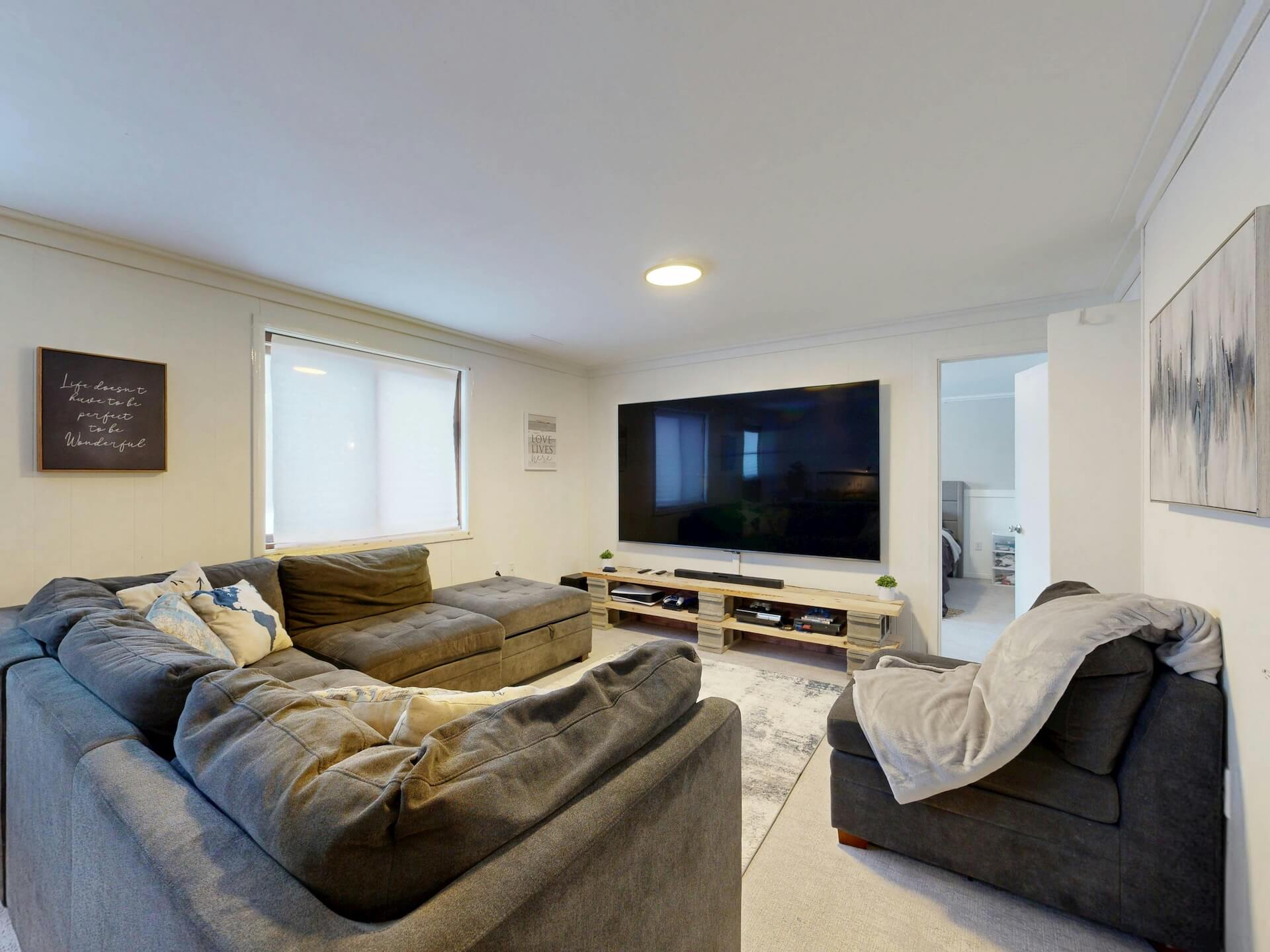
7 Best lighting strips for behind tv ambiance for cozy dens
Enhance your cozy den with the 7 best TV backlighting strips for ultimate ambiance. Discover your perfect glow today!
Evening relaxation often hinges on the quality of the environment, where the harsh glare of a television can lead to eye strain during late-night movies. Adding subtle backlighting transforms a living room from a simple viewing area into a cozy den that feels intentional and inviting. Choosing the right lighting solution requires balancing simple installation with the specific layout of the entertainment space.
Luminar Home Basic: For a Simple, Warm Glow
For households that prefer a classic, understated atmosphere without the complexity of app integration, this basic strip serves as a reliable entry point. It provides a consistent, warm white light that softens the contrast between the screen and the dark wall behind it. This reduction in eye strain makes long-term viewing much more comfortable for every member of the family.
The setup process remains straightforward, favoring those who dislike managing complex digital interfaces. Because it lacks extra connectivity, it serves as an ideal “set-and-forget” solution for guest rooms or smaller dens where advanced features would rarely see use.
While it lacks color-changing capabilities, the trade-off is superior build quality in the diode consistency. It offers exactly what it promises: a steady, non-flickering glow that elevates the room’s mood.
Govee RGB Strips: Easy Color for Movie Nights
When a household enjoys varying the mood based on the content being watched, color-changing strips offer the most versatility. Govee strips are widely recognized for a user-friendly application that allows for quick adjustments, whether the goal is a calming blue for a documentary or a vibrant red for a thriller.
These strips are particularly well-suited for families with children or teenagers who enjoy customizing their media spaces. The app provides a range of pre-set “scenes,” meaning there is no need for advanced programming knowledge to achieve a high-end look.
Reliability in color accuracy remains the primary strength here, ensuring that the light doesn’t appear washed out or muddy. Expect to pay a bit more for the wireless functionality, but for those who want a truly dynamic experience, the investment is usually justified.
Daybetter Music Sync: Fun for Holiday Gatherings
Holiday hosting and family game nights often benefit from lighting that reacts to the energy in the room. This strip utilizes a built-in microphone to sync the light pulses with the beat of the music or the audio from the television.
It works exceptionally well in multi-purpose living areas where the room might shift from a quiet space to a party atmosphere in seconds. The installation is standard, but the software adds a layer of engagement that standard static lights simply cannot replicate.
Be mindful that the sensitivity of the microphone can sometimes pick up background chatter, which might lead to erratic blinking. It is best suited for social spaces rather than a dedicated, quiet home theater.
Nexillumi Smart Kit: Simple Voice Control Setup
Homeowners deep into the modern smart home ecosystem will appreciate lighting that responds to vocal commands. Nexillumi kits often integrate seamlessly with common smart speakers, allowing for hands-free adjustments without fumbling for a remote or a phone.
This convenience is particularly helpful for those with mobility issues or busy parents who already have their hands full. Changing the brightness or the hue while walking into the room creates an immediate sense of home automation without the high price tag of luxury systems.
The setup requires a stable Wi-Fi connection, which is a vital consideration for homes with older routers. If the internet signal in the den is weak, the responsiveness of the light might suffer, making a simple remote-controlled option a better alternative.
TJOY High-Output: Best for TVs Over 65 Inches
Larger televisions require more physical strip length and higher lumen output to ensure the light actually wraps around the perimeter effectively. TJOY provides a robust solution for these oversized screens, preventing the “dim corner” effect that often plagues smaller, underpowered kits.
Using a high-output strip on a small TV can be overwhelming, but on a 65-inch or larger unit, the diffusion of light is perfectly balanced. The adhesive backing on these sets is generally stronger as well, which is necessary to support the weight of longer strips over time.
Ensure the back of the TV has a flat surface, as curved screens or those with complex, textured backings may struggle to hold these heavier strips. When installed correctly, the effect is a professional-grade halo that makes a large screen feel less imposing.
Kousee USB-Powered: Plugs Right Into Your TV
The most convenient aspect of USB-powered lights is that they turn on and off automatically with the television. This eliminates the need for an extra wall outlet or a separate remote control, keeping the entertainment center clutter-free.
These are an excellent choice for apartment living or small den configurations where outlet space is already at a premium. Because they draw power directly from the TV’s port, they are inherently energy-efficient and impossible to leave on accidentally.
Check the power output of the TV’s USB port before purchasing, as some older models may not provide enough voltage for brighter strips. Most modern televisions handle these strips with ease, making them the ultimate low-maintenance upgrade.
Tenmiro Peel-and-Stick: Easiest Installation
For those who view home improvement as a chore, a simple peel-and-stick strip offers the path of least resistance. These kits focus on durable adhesives and flexible strips that can navigate tight corners without breaking the circuit.
The process is intuitive: clean the back of the TV, peel the backing, and press the strip firmly into place. This is the go-to choice for homeowners who want to improve their space in under ten minutes without needing a single tool.
While they may not offer the most advanced smart features, the reliability of the installation is a major benefit. These are ideal for those who value speed and simplicity over complex configurations.
How to Measure Your TV for the Right Strip Length
Precise measurement ensures that the light source is distributed evenly across the back of the device. Measure the height and width of the television, then multiply those numbers to determine the perimeter.
- For 32–42 inch TVs: A 6.5-foot strip is typically sufficient to cover the sides and top.
- For 50–60 inch TVs: A 9.8-foot strip allows for coverage of all four sides.
- For 65+ inch TVs: Look for 15-foot kits or multi-strip setups to avoid gaps.
Always leave a small buffer at the corners to allow the wire to bend without kinking. Stretching the strip too thin can cause the adhesive to pull away from the back of the screen.
White vs. Color vs. Smart Lights: Which Is Best?
The choice between white, color, and smart lights depends entirely on the intended function of the den. Static white lights are excellent for reducing eye strain and providing a clean, professional look for standard news or daytime programming.
Color-changing lights provide aesthetic value, turning a plain wall into a design feature, but they can occasionally distract from the on-screen action if the brightness is set too high. Smart lights offer the most flexibility but come with the inherent risk of connectivity issues or the need for periodic app updates.
- Choose White: If you want a permanent, high-quality, unobtrusive viewing experience.
- Choose Color: If you host game nights or enjoy changing the room’s mood frequently.
- Choose Smart: If you prioritize automation and voice-controlled convenience above all else.
Tips for a Clean, Hidden Cord-Free Installation
Visibility of power cables is the fastest way to ruin the look of an otherwise sleek television setup. Use adhesive-backed cable clips to route wires along the back of the television frame, keeping them tucked away from view.
If the power cable for the LED strip is too long, use a small piece of painter’s tape or a zip tie to bundle the excess length against the back of the TV housing. Ensure that all cables are routed away from hot vents to prevent the insulation from drying out or melting over time.
For an extra polished finish, run the power cable alongside the TV’s power cord or HDMI cables. This keeps the path down to the wall outlet looking tidy rather than like a web of loose wires.
Enhancing your den with the right lighting is a simple, cost-effective way to make a house feel more like a home. By focusing on the specific needs of your space—whether that means simple USB power or advanced smart features—you can create a professional viewing environment that improves your daily routine. Take the time to measure correctly and secure your cords, and you will enjoy a cozy, distraction-free atmosphere for years to come.